
A stack of the work we called out in the last update just landed on the bench. The new Headwaters image is smaller, first-time setup runs from your phone with no terminal in sight, and uploading a fresh map through the browser now works end to end. Here is what changed and what it means for anyone about to flash a Headwaters.
Two carrier boards, one build
Headwaters ships in two flavors, one for the standard Compute Module 5 IO board with a Waveshare CAN hat, and one for the Waveshare Wireless Base carrier that has CAN built in. Different carriers, same software, same features. In the past those were two builds. Fix a bug in one, forget to rebuild the other, and two customers on two carriers ended up on two different versions of Headwaters. That is exactly the kind of drift we do not want.
The build script now turns out both images in a single run. Same setup portal, same first boot flow, same everything, with the only difference being the CAN wiring under the hood. Whichever carrier board you have, you are running the same tested software.
2.6 GB instead of a movie-sized download
Older images baked the map data straight into the image. That meant a giant download for anyone flashing a fresh Headwaters, and it meant every carrier of the same version had the exact same map region even if the map for your region was the only one you cared about.
The new image is 2.6 GB. Maps are no longer inside it. The image gives you the operating system, the containers, and every service Headwaters needs to run. Map data is loaded separately, once, after Headwaters is on the network. If you already have Headwaters and later want to travel to a new region, you swap in a new map without touching the image. If a new image comes out, you download an image instead of an image plus maps you already have.
Map upload from the browser is working
This is the piece that just crossed the finish line. You now open the Maps page in the Headwaters app, pick a map bundle for your region, and hand it to Headwaters through the browser. Headwaters verifies the file, unpacks it, wires up the search and routing engines, and flips the live map over to the new region without a restart. All from a web page. No shell session, no copying files, no editing config.
This is the same pattern we already use for firmware and container updates, and it is what makes the smaller image work. Pulling maps out of the image is only fair if loading them back in is easy. Now it is.
Setup from your phone, with no shell access
The biggest change for anyone about to flash a Headwaters for the first time. The new image no longer expects you to be comfortable at a terminal. You flash the image, plug in the CM5, and Headwaters brings up its own WiFi network. Join it from your phone, walk through the setup page, and you are done.
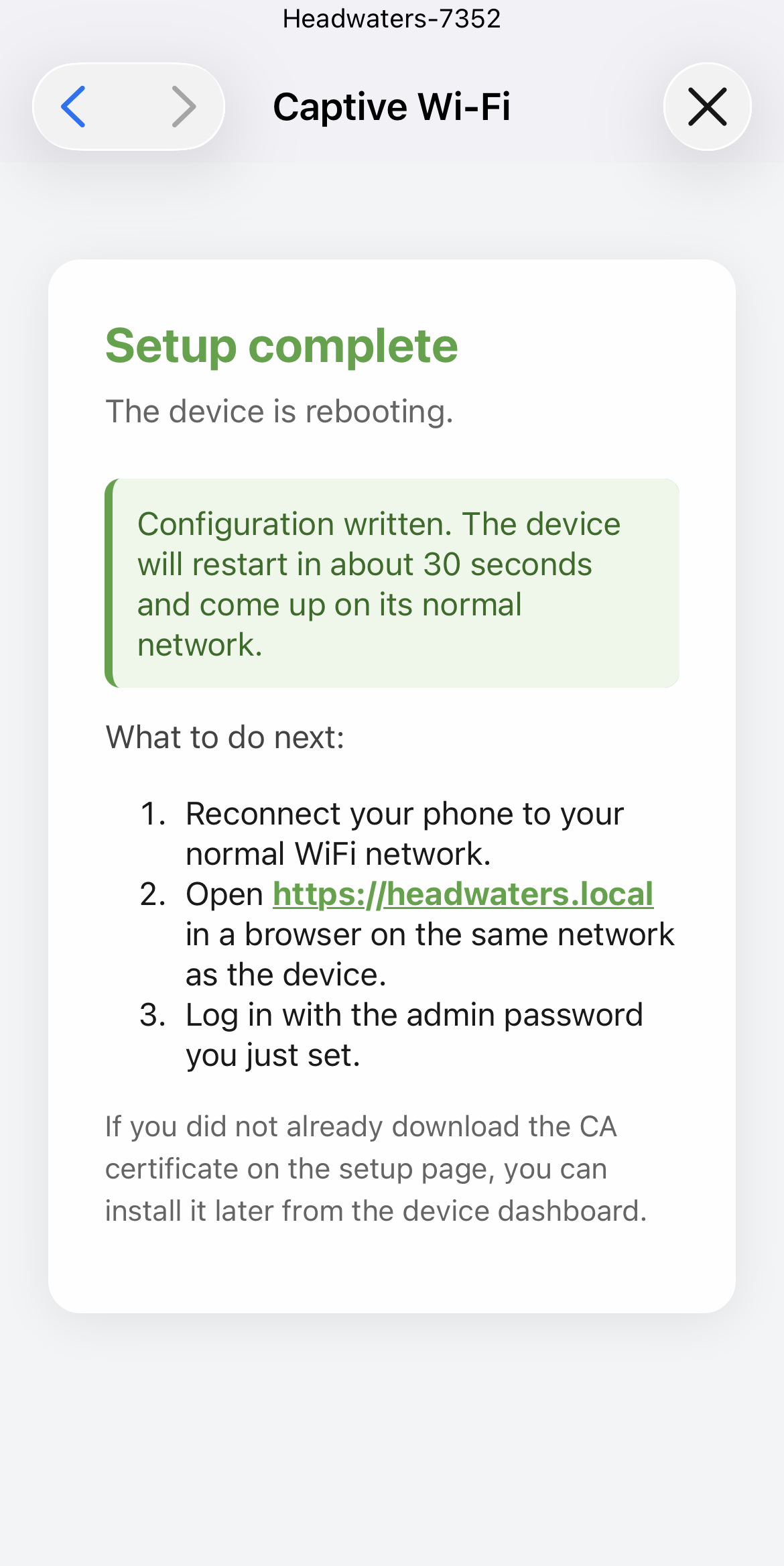
During that same setup page, Headwaters offers you its security certificate as a download. That certificate is what lets your phone, your laptop, and your tablet trust the little green padlock when you visit Headwaters over your own network. Tap once on your phone to install it and every device on your rig gets a proper trusted connection to Headwaters, forever. No warnings, no clicking through security screens, no terminal.
SSH is still there for anyone who wants it. It is just no longer required for a healthy install. If you are the kind of person who has never opened a terminal in your life, that is a real change.
Up next: the app catches up to the map stack
Now that map data lives outside the image and can be swapped from the browser, the next round of work is on the Headwaters app itself. Search a place by name. Search an address. Ask for directions. Have all of it work in the middle of nowhere, on the map you loaded, without ever calling out to the internet. The map engine underneath is ready. The app has to catch up so you can actually use it.
That is the work in front of us this next stretch. We will post another update when it lands.
If you want these updates in your inbox as they show up, the form below is the easiest way to catch them.